Warm Up, Meditation, Rest. No voices, no content library, nothing to choose before you start. You press one button and close your eyes.
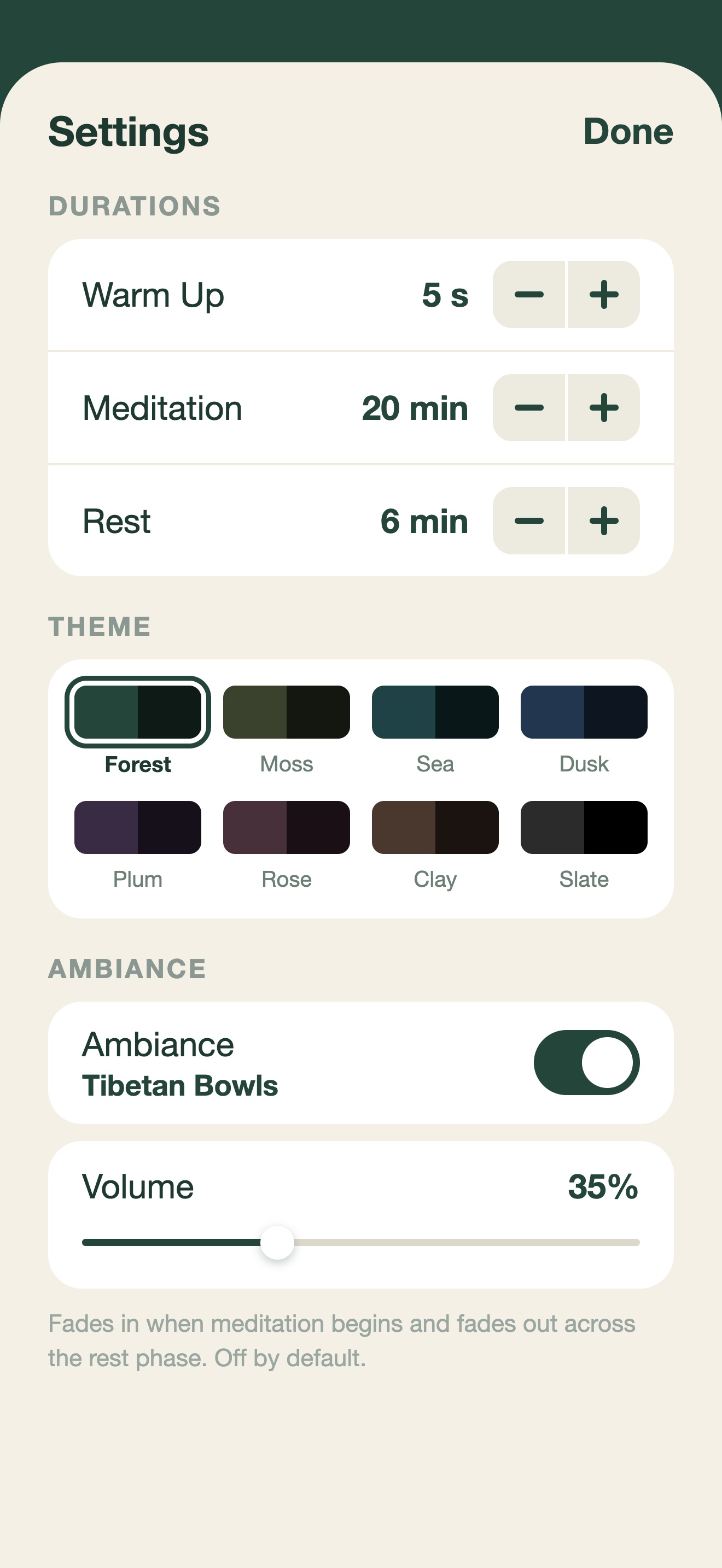
Set the durations once. The home screen shows the plan, so pressing play is never a guess.
A short countdown to settle in, find a comfortable position and close your eyes.
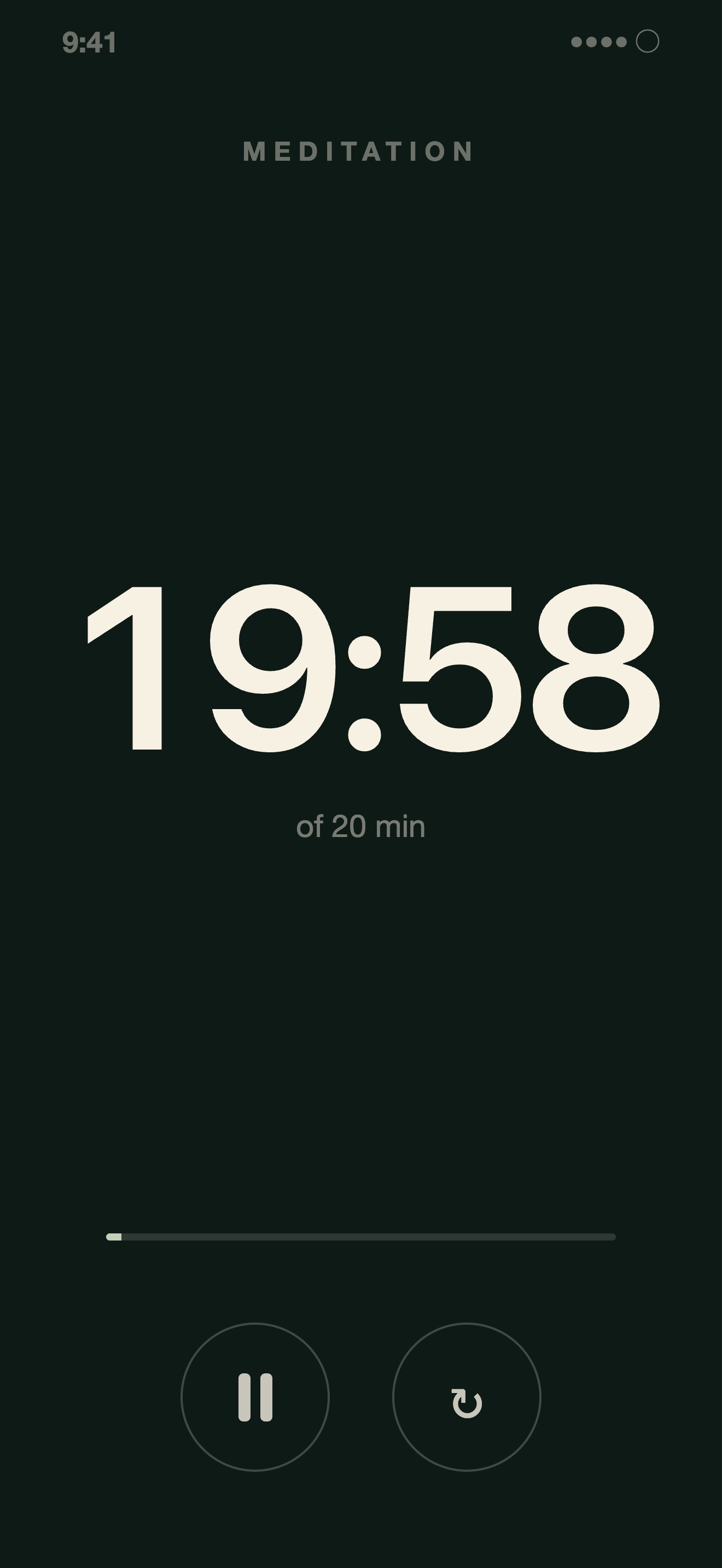
Your main practice period. Eyes closed, silently repeating your mantra. When the mind wanders, return effortlessly.
A gentle wind-down to ease back into awareness. Breathe naturally and open your eyes when you are ready.
Saved to Apple Health as a Mindful Session. No extra steps.
Each phase has its own ground, ordered by brightness rather than colour. Warm Up steps down toward meditation, meditation is nearly black, and rest lifts sharply.
That lift is the largest change in light in the whole session, and it happens at the one moment you want to notice. A change in light level registers through a closed eyelid. A change in hue does not. So you do not need a bell to know the practice has ended.
Widths are proportional to a 5 second, 20 minute, 6 minute session. Figures are relative luminance.
Sounds and haptics are built in and switched off by default, because in TM the mantra is the technique and a bell is an interruption. Turn either on whenever it suits your practice.
No courses, no narrators, no daily episode. One timer and three durations. Nothing expires and nothing is added that you have to look through.
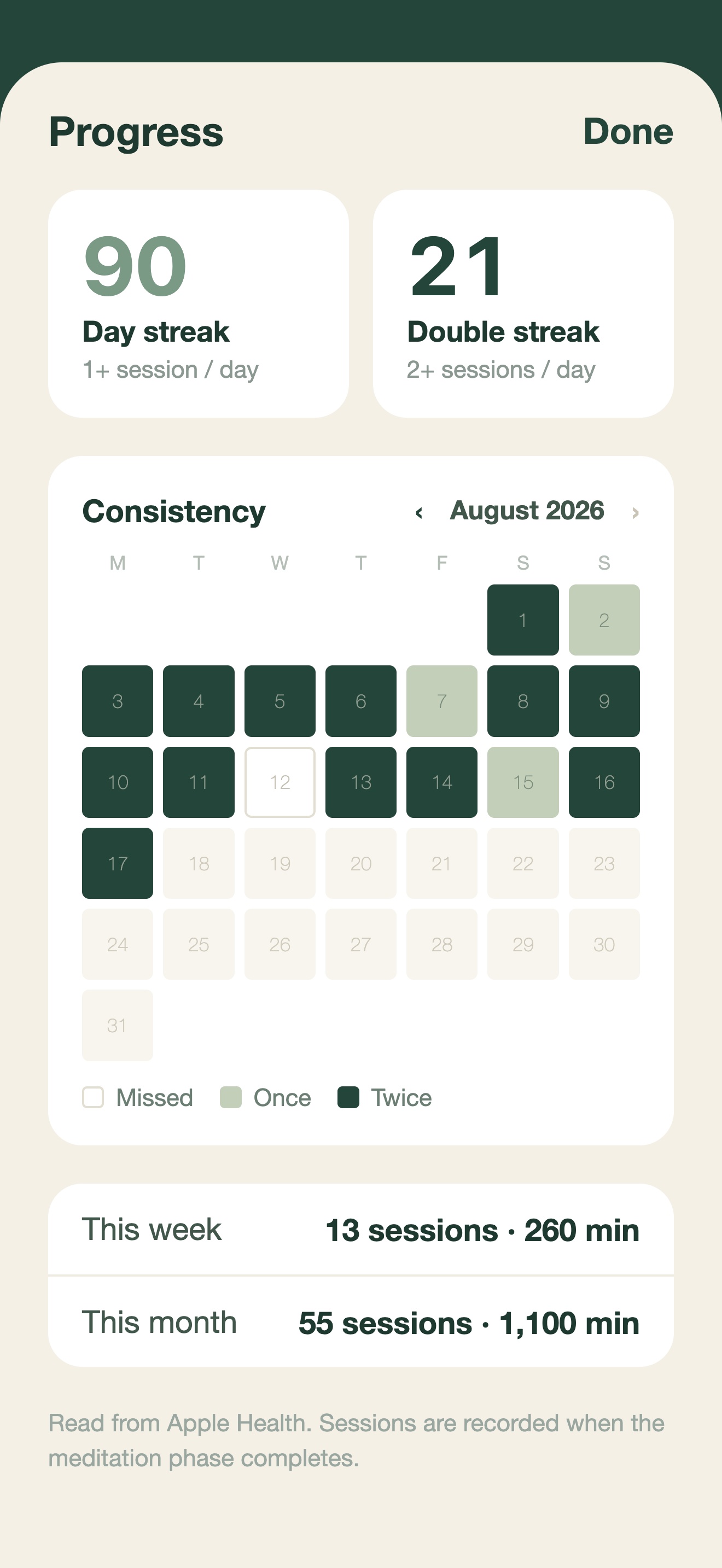
Two counters: days you sat, and days you sat twice. No badges, no notifications you did not ask for, no encouragement written by somebody else.
Two twenty minute sessions a day is forty minutes every single day, so a chart of minutes is a flat wall of identical bars. It shows discipline as zero variation.
A calendar shows what actually moves. Each day is empty, half or full, and you can page back through every month you have practised. Sessions are read from Apple Health.
Curated sounds — singing bowls, gongs and strikes — for the start and end of meditation, with their own volume so a cue can cut through twenty minutes of closed eyes.
One looping sound, Tibetan Bowls, fading in as the session starts and out as it ends. Its volume is separate and sits deliberately lower, under the practice rather than in it.
Each one changes all four grounds together and keeps the same order of light, so the cue at the end of meditation survives whichever you pick. Nothing is bright enough to be uncomfortable at 5am.
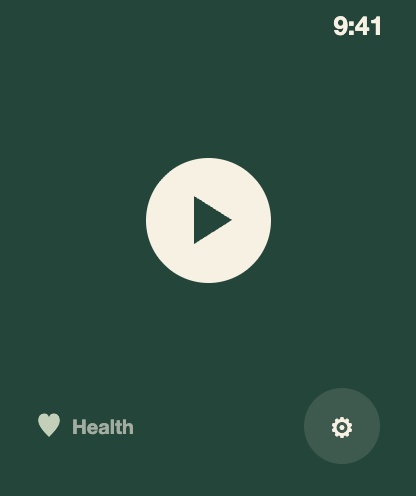
Run a full session from your wrist and leave the phone somewhere else. The Digital Crown sets the durations, and the Smart Stack shows which phase you are in and how long is left.
Lowers the screen during evening sessions and restores brightness when you finish.
The timer counts active time only and picks up where you left off.
One optional notification at a time you choose. Off unless you set it.
Completed sessions are written as Mindful Sessions, and read back for your streaks.
Transcend does not collect, transmit, or share any personal data. Your practice is yours alone.
Completed sessions are saved directly to Apple Health on your device. Transcend reads your mindfulness history solely to calculate streak and session metrics displayed within the app — this data never leaves your device. Health access is governed entirely by your Health privacy settings.
Your preferences (session durations, theme, sounds, and reminder time) are stored locally on your device using iOS standard storage. Nothing is sent to external servers.
This app contains no analytics frameworks, advertising SDKs, or third-party tracking of any kind. There are no accounts, no sign-in, and no network requests.
Questions, feedback, or bug reports — we would love to hear from you.
Download on the App Store iPhone and Apple Watch